


Request a Quote
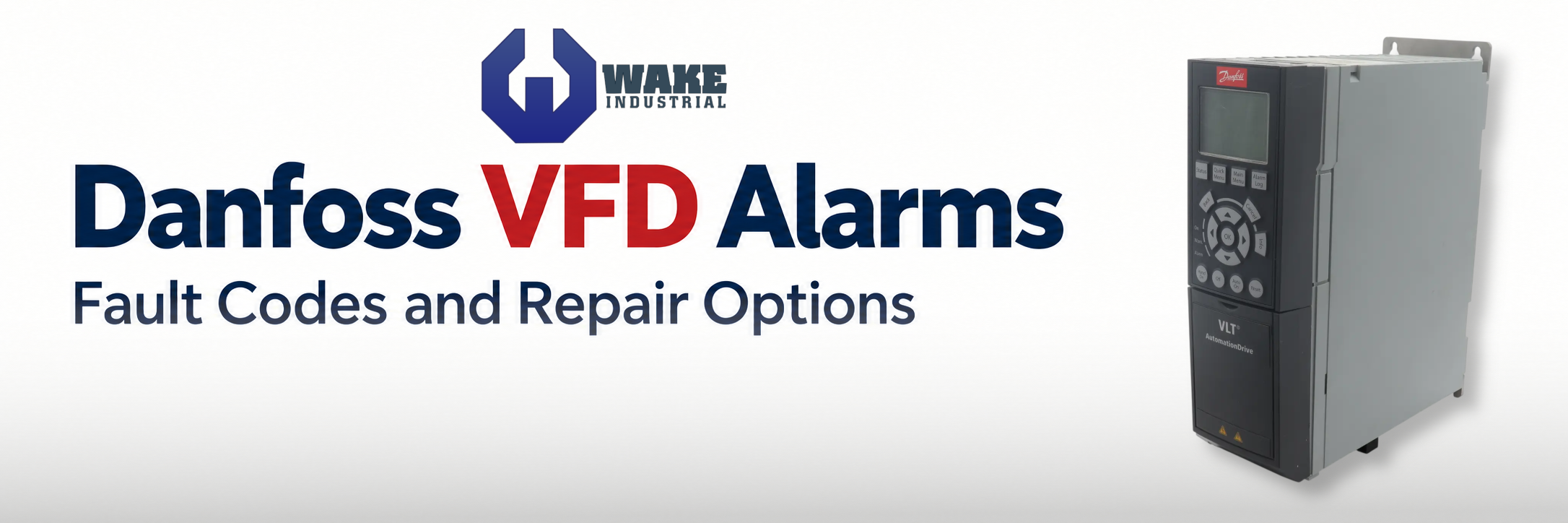
Common Danfoss VFD Alarms – Codes, Causes, and Action
Wake Industrial is sharing information sourced from the original manufacturer's manual. Please be advised that Wake Industrial does not offer troubleshooting assistance through phone or email. For repair, replacement, or refurbishment needs, we invite you to use our quote form or call us at 1-919-443-0207. It is the user's responsibility to exercise independent judgment and caution when implementing these instructions. Wake Industrial shall not be held liable for any direct, indirect, incidental, or consequential damage to products or individuals resulting from the use of this information.
Contact Wake Industrial by calling 1-919-443-0207 or by filling out the quote form on this page to receive a comprehensive, industry competitive quote today. A Danfoss VFD alarm can stop production, interrupt pumping or leave an HVAC system offline. The displayed fault may originate in the incoming supply, motor, wiring, operating settings or drive electronics. Identifying the drive family and the conditions surrounding the trip helps narrow the checks before considering repair or replacement.
Before Resetting a Danfoss Drive
Record the complete message and whether the fault appeared at startup, during acceleration, under load or while stopping. Use the table for the correct family: VLT and VACON codes are not interchangeable, and some older VLT drives display fault names. Electrical checks require qualified personnel. Isolate all power sources, observe the specified discharge time and verify a safe condition before accessing connections. STOP/RESET does not provide electrical isolation.
VLT 2000 Alarm Messages
VLT 2000 drives distinguish between warning messages, trips and trip-locked conditions. Overvoltage during deceleration can result from the motor returning energy faster than the drive can dissipate it.
Alarm | Meaning | Likely cause | Corrective action |
OVER VOLT | DC-link voltage too high | High supply voltage or short ramp-down time | Check the supply; review deceleration time and the installed braking arrangement. |
UNDER VOLTAGE | DC-link voltage too low | Low supply voltage or missing mains phase | Check incoming voltage and phase availability. |
OVER CURRENT | Excessive motor current | Excessive current demand or incorrect motor settings | Check motor parameters and whether the drive is correctly sized for the load. |
GROUND FAULT / SHORT CIRCUIT | Ground fault or phase-to-phase short | Fault in the output circuit | Check installation and cabling. These conditions require power removal before reset. |
VLT 2800 Protective Trips
The VLT 2800 monitors motor overload, power-module temperature and DC-link voltage. It also protects against output short circuits and earth faults; loss of a mains phase causes a shutdown.
Alarm | Meaning | Likely cause | Corrective action |
Mains phase loss | An input phase is absent | Interrupted incoming phase | Check the supply circuit and connections. |
Power-module overtemperature | Internal temperature exceeds the shutdown limit | Excessive thermal loading or inadequate cooling | Check installation and cooling conditions; allow the module to cool before reset. |
DC-link overvoltage during braking | Regenerated energy raises bus voltage | Braking arrangement cannot absorb the returned energy | Check brake hardware and parameter 400, Brake function, against the installed configuration. |
VLT 3000 Fault Messages
VLT 3000 fault messages distinguish drive overload from motor thermal protection. A motor trip can follow prolonged high current at low speed, while drive overtemperature directs attention to ventilation, cooling ribs and the fan.
Alarm | Meaning | Likely cause | Corrective action |
| Overvoltage | Excessive DC-link voltage | High mains voltage, transients or regeneration | Check the supply; review ramp-down time when the fault occurs during stopping. |
| Overcurrent | Inverter peak-current limit reached | Possible output short circuit | Check the motor and cable for ground faults. |
| Over-temp | Excessive drive temperature | High ambient temperature, obstructed cooling ribs or defective fan | Improve ventilation, clean cooling surfaces and replace a confirmed failed fan. |
| Overload | Drive thermal protection is active | Motor current exceeds the drive rating for too long | Reduce loading; reassess drive sizing if the required duty cannot be reduced. |
| Motor trip | Motor thermal protection is active | Excessive current during prolonged low-speed operation | Reduce the low-speed load; assess motor sizing and additional cooling. |
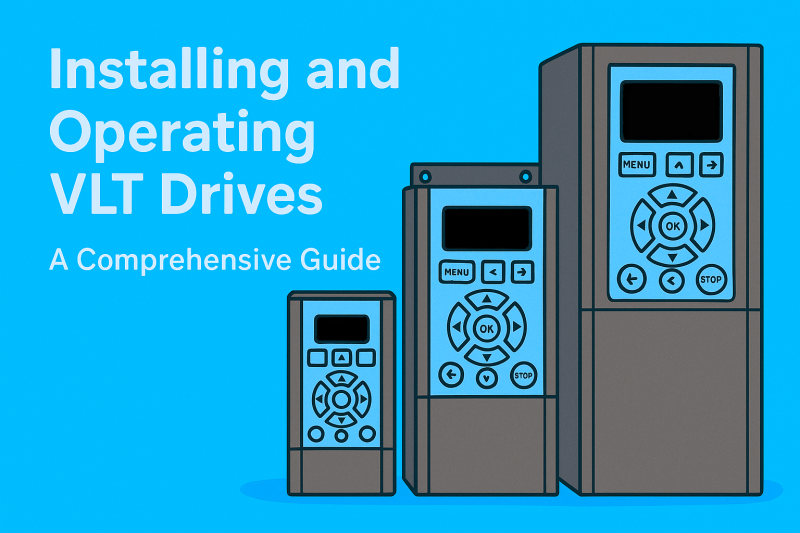
VLT 5000 Signal and Motor Tuning Alarms
Loss of a reference signal, interrupted serial communication and failed motor adaptation require different checks from power-stage faults. The following code assignments apply specifically to VLT 5000 drives.
Alarm | Meaning | Likely cause | Corrective action |
2 — Live zero | Terminal 60 current is below the configured detection threshold | Low or missing analog signal | Check the signal source, control wiring and minimum input scaling. |
17 — Standard bus timeout | Serial communication with the drive has stopped | Communication interruption exceeding the configured interval | Check the controller, communication wiring and timeout settings. |
22 — Motor adaptation failed | Automatic motor adaptation did not complete successfully | Incorrect motor data, motor-size mismatch, interrupted test or another reported fault | Read the detailed AMA message; verify motor data and sizing, and correct active alarms before repeating. |
VLT Micro Drive FC 51 Braking Trips
On FC 51 drives, regenerated motor energy can raise the DC-link voltage during braking. Resistor braking requires both an integral dynamic brake and a connected external resistor.
Alarm/condition | Meaning | Likely cause | Corrective action |
DC-link overvoltage during braking | Returned motor energy raises bus voltage above the permitted limit | Insufficient energy dissipation during generating operation | Check the installed braking arrangement, resistor connection where applicable, and brake-function selection. |
VLT HVAC Drive FC 102 Brake Warnings and Trips
On FC 102 drives equipped with an integral dynamic brake, brake-power monitoring and brake-check settings determine the response to braking faults. The response can include a warning, a trip or a trip lock.
Alarm | Meaning | Likely cause | Corrective action |
Brake-power warning/trip | Calculated resistor power exceeds the monitoring limit | Excessive braking duty or incorrect monitoring inputs | Check resistor value, braking duty and parameters 2-11, 2-12 and 2-13. |
Brake-check failure | Brake-circuit monitoring detects a fault | Disconnected/shorted resistor or shorted brake IGBT | Have the resistor, connections and brake circuit checked before restoring operation. |
VLT AQUA Drive FC 202 Alarms
FC 202 protection monitors electrical conditions as well as the load. A phase imbalance or missing supply phase can trigger a trip, while motor-generated energy can produce overvoltage during deceleration.
Alarm | Meaning | Likely cause | Corrective action |
Alarm 16 — Short circuit | Output short-circuit protection operates; trip lock | Short circuit between motor phases | Have the output wiring and motor circuit checked before resetting. |
Mains imbalance/phase loss | Supply imbalance produces excessive DC-bus ripple | Unbalanced supply or missing input phase | Check incoming phases and connections. |
Motor-generated overvoltage | Regenerated energy raises DC-link voltage | Short deceleration time or a load driving the motor | Review stopping time, load behavior and the configured braking function. |
VLT AutomationDrive FC 301 and FC 302 Alarms and Setup Checks
FC 301/302 drives monitor output short circuits, motor-phase loss and torque/current limits. A limit warning requires investigation of the load and settings; it does not by itself establish that the power stage has failed.
Alarm | Meaning | Likely cause | Corrective action |
Alarm 16 — Short circuit | Inverter shuts down with trip lock | Short circuit between output phases | Check the motor circuit and output wiring before reset. |
Missing motor phase | Motor-phase supervision detects a missing phase | Interrupted motor-phase connection | Inspect the motor circuit and review parameter 4-58. |
Torque/current limit | Configured operating limit reached | Load demand exceeds the configured limit | Investigate loading and motor data before changing limits or trip delays. |
Hardware or option incompatibility | Installed option must match the drive and slot | Incorrect option, slot or required operating system | Verify option compatibility and installation before substituting a card. |
Initialization / defaults restored | Drive settings return to defaults | Initialization through parameter 14-22 | Restore and verify the commissioned settings before restarting. |
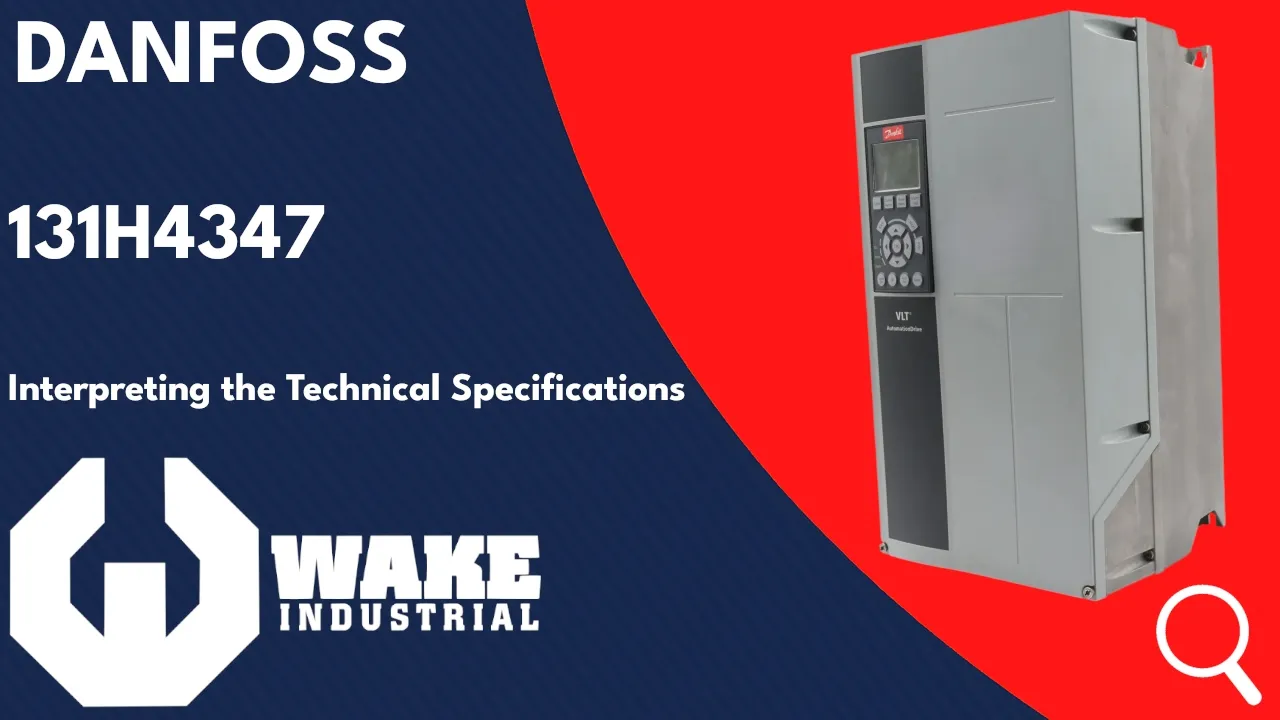
VACON NXL Fault Codes
VACON NXL stores faults in the H5 fault-history menu. Record that history when an intermittent fault cannot be reproduced immediately.
Fault | Meaning | Likely cause | Corrective action |
1 | Overcurrent | Sudden load increase, motor-cable short or unsuitable motor | Check loading, motor size and cables. |
2 | Overvoltage | Short deceleration time or supply-voltage spikes | Review deceleration time and supply conditions. |
3 | Earth fault | Motor/cable insulation failure | Check motor cables and motor insulation. |
14 | Drive overtemperature | Restricted cooling or excessive thermal demand | Check airflow, heatsink cleanliness, ambient temperature and switching frequency. |
VACON 20 HVAC Application Faults
The VACON 20 HVAC application records fault information in its history submenu. Capture available subcodes as well as the main fault number.
Fault | Meaning | Likely cause | Corrective action |
9 | Undervoltage | Low supply, power interruption or internal fault | Check supply voltage; request evaluation if the fault persists with a correct supply. |
10 | Input phase fault | Missing supply phase | Check supply voltage, fuses and cabling. |
11 | Output phase fault | No current in one motor phase | Check the motor cable and motor. |
50 | Analog input below range | Broken/loose control cable or failed signal source | Check the configured 4–20 mA or 2–10 V signal circuit. |









