


What Is the F408 Error Code?
Technical Error and Fault Guides3 September, 2026 | Indramat F408 error code, Bosch Rexroth F408 fault, F408 fatal interface card error, Indramat drive fault codes, DKC03.3 F408 error, DKC21.3 F408 error, PBK2 interface card, DIO1.1 interface card, EcoDrive03 troubleshooting, Indramat drive repair, Bosch Rexroth DKC replacement
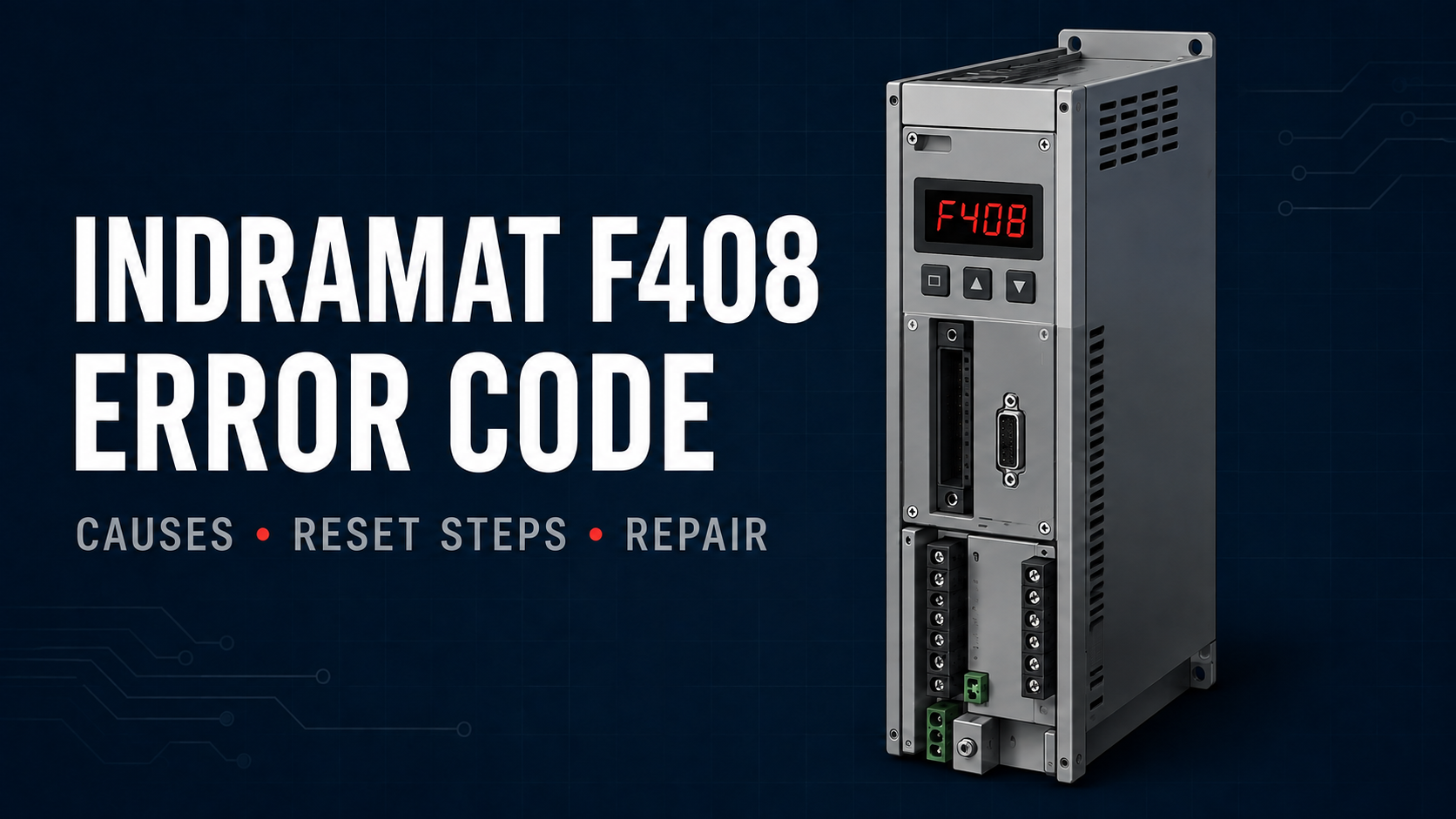
The Indramat F408 error code identifies a fatal communication fault involving the drive’s installed interface card. On supported Bosch Rexroth EcoDrive03 systems, the controller can no longer communicate correctly with its Profibus or parallel interface hardware.
The affected hardware depends on the controller configuration. On a DKC03.3-040-7-FW with the applicable firmware, F408 can involve the PBK2 Profibus interface. On supported DKC21.3 controllers, the same diagnostic applies to the DIO1.1 parallel interface.
If F408 returns after the card has been inspected and the drive has been safely restarted, the interface hardware or controller may require professional repair or replacement.
Need a failed Indramat drive evaluated? Call Wake Industrial at 1-919-443-0207, email sales@wakeindustrial.com, or request an Indramat drive repair or replacement quote.
Important: This F408 error-code guide is provided by Wake Industrial for general reference purposes. Wake Industrial does not offer troubleshooting assistance by phone or email. Drive inspection, fault clearing, and electrical work must be completed by qualified personnel using the safety procedures and documentation for the exact controller and machine. Users are responsible for exercising independent judgment and appropriate caution when applying this information. Wake Industrial is not liable for equipment damage, personal injury, or other losses resulting from its use.
What Does the Indramat F408 Error Code Mean?
F408 means “Fatal error of the interface card.” The diagnostic indicates that communication between the drive controller and its installed interface hardware has been disrupted.
Drive Configuration | Meaning of F408 |
DKC03.3 with PBK2 Profibus interface | Communication between the drive and PBK2 interface has been disrupted |
DKC21.3 with DIO1.1 parallel interface | Communication between the drive and DIO1.1 interface has been disrupted |
Applicable MGP or FGP firmware | The fieldbus interface detected a fatal watchdog or memory-access error |
On controllers using a two-character display, the drive may alternate between F4 and 08. These two display states form the complete F408 diagnostic.
The exact wording associated with F408 depends on the installed firmware. For example, a DKC21.3-100-7-FW using the applicable DIO1.1 configuration associates the fault with its parallel interface.
Documented Causes of F408
Bosch Rexroth identifies three primary causes of the F408 interface-card error.
Cause | What It Means |
Interface card not correctly seated | The PBK2 or DIO1.1 card is not making a reliable internal connection with the controller |
Interface-card watchdog triggered | The drive stopped receiving the expected response from the interface card |
Impermissible memory access | The interface card or supporting controller hardware attempted an invalid memory operation |
Interface Card Is Not Fully Seated
A PBK2 or DIO1.1 card must be correctly installed in its designated controller slot. If the card is not fully seated, communication between the drive and interface hardware can be interrupted.
Card seating must only be inspected after the controller has been de-energized, locked out, and allowed to discharge. Never remove, install, or reseat an interface card while the controller is powered.
Interface-Card Watchdog Fault
The watchdog supervises the operation of the interface card. F408 can occur when the card fails to provide the expected internal response within the required period.
This condition occurs inside the interface hardware or its connection to the controller. It should not automatically be treated as an external Profibus cable failure.
Impermissible Memory Access
An impermissible memory-access event can indicate a failure in the interface card, its connector, or the controller electronics supporting it. If the error returns after the card has been properly seated and the drive has been restarted, the affected hardware should be professionally evaluated.
What to Record Before Clearing F408
Collect the following information before shutting down or disturbing the controller:
Information | Where to Find It |
Diagnostic code | Drive display or commissioning software |
Complete controller type code | DKC controller nameplate |
Firmware type code | Firmware label beginning with FWA |
Interface-card type code | Label on the PBK2 or DIO1.1 assembly |
Machine and axis | Machine documentation or maintenance records |
Fault timing | Record whether F408 appeared during startup or operation |
Parameter-backup status | Maintenance computer, removable media, or machine records |
Take clear photographs of the controller nameplate, firmware label, interface-card label, connections, and diagnostic display. This information helps distinguish a card problem from a controller failure and makes it easier to identify compatible hardware.
How to Clear the Indramat F408 Error Code
1. Record the Complete Configuration
Write down the DKC type code, FWA firmware code, interface-card number, and diagnostic display. Do not select replacement hardware using only the controller family or current rating.
2. Secure the Machine
Remove drive enable and mechanically secure any axis that could fall, rotate, or move unexpectedly. Follow the machine’s established lockout procedure before working on the controller.
3. De-Energize the Controller
Switch off the required mains and control power. Secure the disconnect against reconnection and wait for the discharge period specified for the exact controller.
Verify the safe electrical state before touching the drive, interface card, or connected wiring. Do not disconnect or reseat components while the controller is energized.
4. Inspect the Interface Card
A qualified technician should verify that the correct interface card is installed and fully seated. Inspect the card, internal connector, and retaining hardware for displaced components, contamination, burned areas, or visible physical damage.
On a DKC03.3 system, confirm the PBK2 configuration and its connection to the controller. On a DKC21.3 system, inspect the installed DIO1.1 parallel interface.
5. Reassemble and Restart the Drive
Reinstall all protective covers and confirm that every connection is secure. Restore power according to the machine’s startup procedure and monitor the drive display.
A single controlled power cycle may clear a temporary watchdog condition. Repeatedly cycling power without inspecting the interface hardware will not correct a persistent internal failure.
6. Repair or Replace the Hardware if F408 Returns
If F408 remains active or returns after the interface card has been correctly seated and the controller has been restarted, the documented corrective action is to replace the affected hardware.
The failure can involve the removable interface card, its internal connector, or the controller electronics. Professional testing is needed before assuming that replacing the card alone will resolve the fault.
Still seeing F408? Call Wake Industrial at 1-919-443-0207, email sales@wakeindustrial.com, or submit an Indramat drive repair request.
When Does an F408 Fault Require Professional Repair?
The controller or interface hardware should be evaluated when F408 returns immediately after a controlled restart, the correct card is fully seated, or the controller cannot complete its startup sequence. Visible damage to the card or internal connector also indicates that the system needs professional evaluation.
Wake Industrial provides repair, refurbishment, and replacement options for legacy Bosch Rexroth Indramat drive hardware, including DKC03.3 and DKC21.3 controllers and their applicable communication interfaces.
Reduce machine downtime by requesting a quote today. Call Wake Industrial at 1-919-443-0207, email sales@wakeindustrial.com, or request an Indramat drive repair or replacement quote online.
Request a Quote

Cary, NC 27513