


Industrial HMIs Explained: How Human Machine Interfaces Improve Machine Control
Industrial Automation Explained25 June, 2026 | industrial HMI, Human Machine Interface, HMI replacement, HMI repair, operator panel replacement, industrial operator panel, touchscreen HMI, machine interface panel, industrial automation display, HMI hardware, HMI software, PLC HMI interface, panel PC, industrial panel PC, HMI touchscreen replacement, automation operator terminal, HMI troubleshooting, obsolete HMI replacement, legacy HMI repair, Bosch Rexroth HMI,
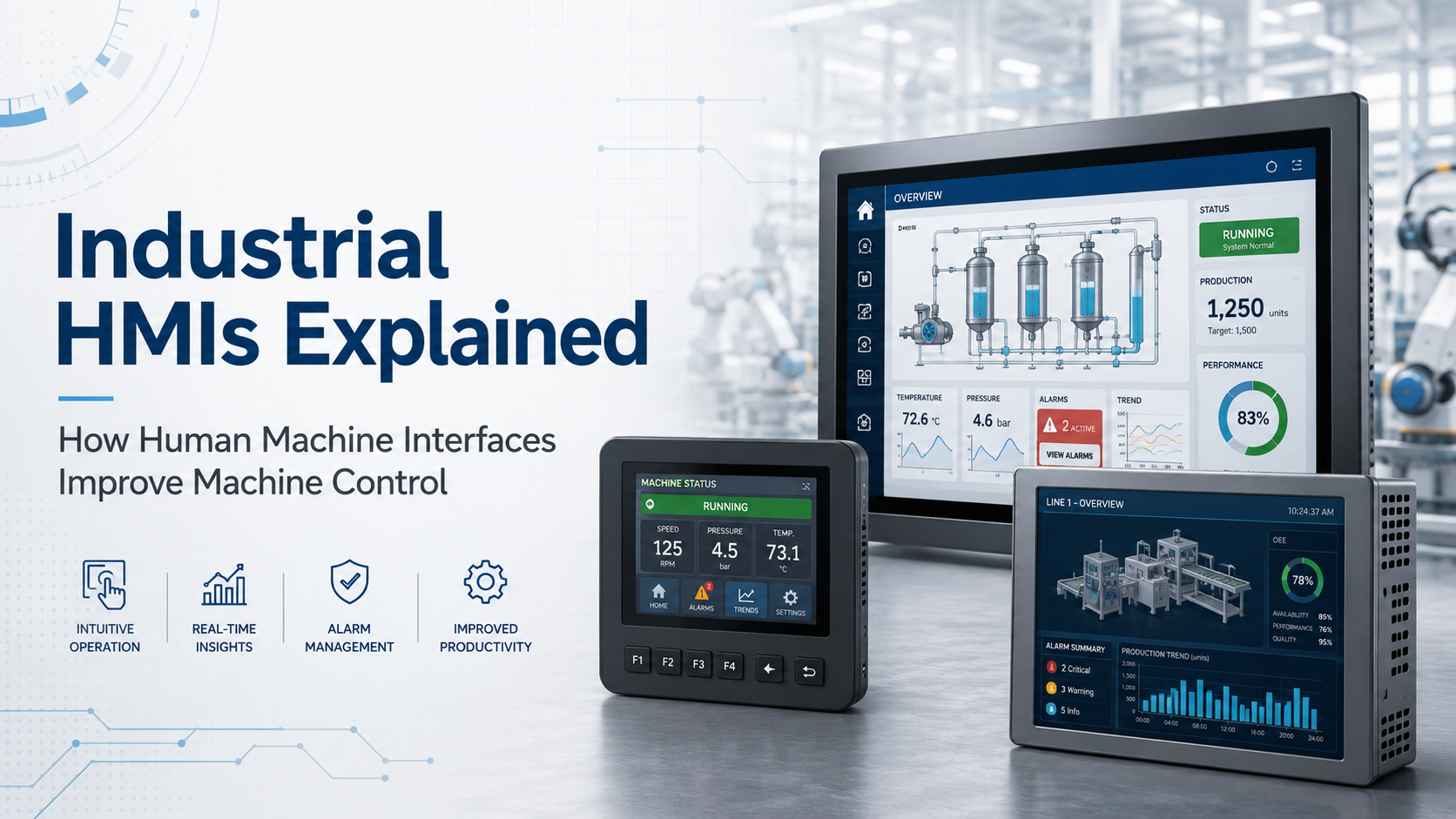
Human Machine Interfaces, commonly called HMIs, are the screens, panels, controls, and software environments that allow operators to interact with industrial machines. Every machine needs some form of operator interface, whether it is a basic pushbutton station, a touchscreen panel, a control-room display, or a PC-based visualization terminal. As automation systems have become faster and more data-driven, HMIs have become essential for monitoring machine status, adjusting process values, responding to alarms, and keeping production moving.
Older machines often relied on switches, lamps, analog gauges, and mechanical controls. Those systems worked, but they gave operators limited information and required more experience to interpret what was happening inside the machine. Modern HMI systems give operators clearer process visibility by displaying alarms, recipes, runtime data, axis status, diagnostics, production counts, and control screens in one place.
If your facility needs replacement HMI hardware, operator panels, touchscreens, or industrial automation displays, Wake Industrial can help. Call 1-919-443-0207, email sales@wakeindustrial.com, or submit a quote request through the form on the page for pricing, availability, repair, or replacement options.
What Does an HMI Do?
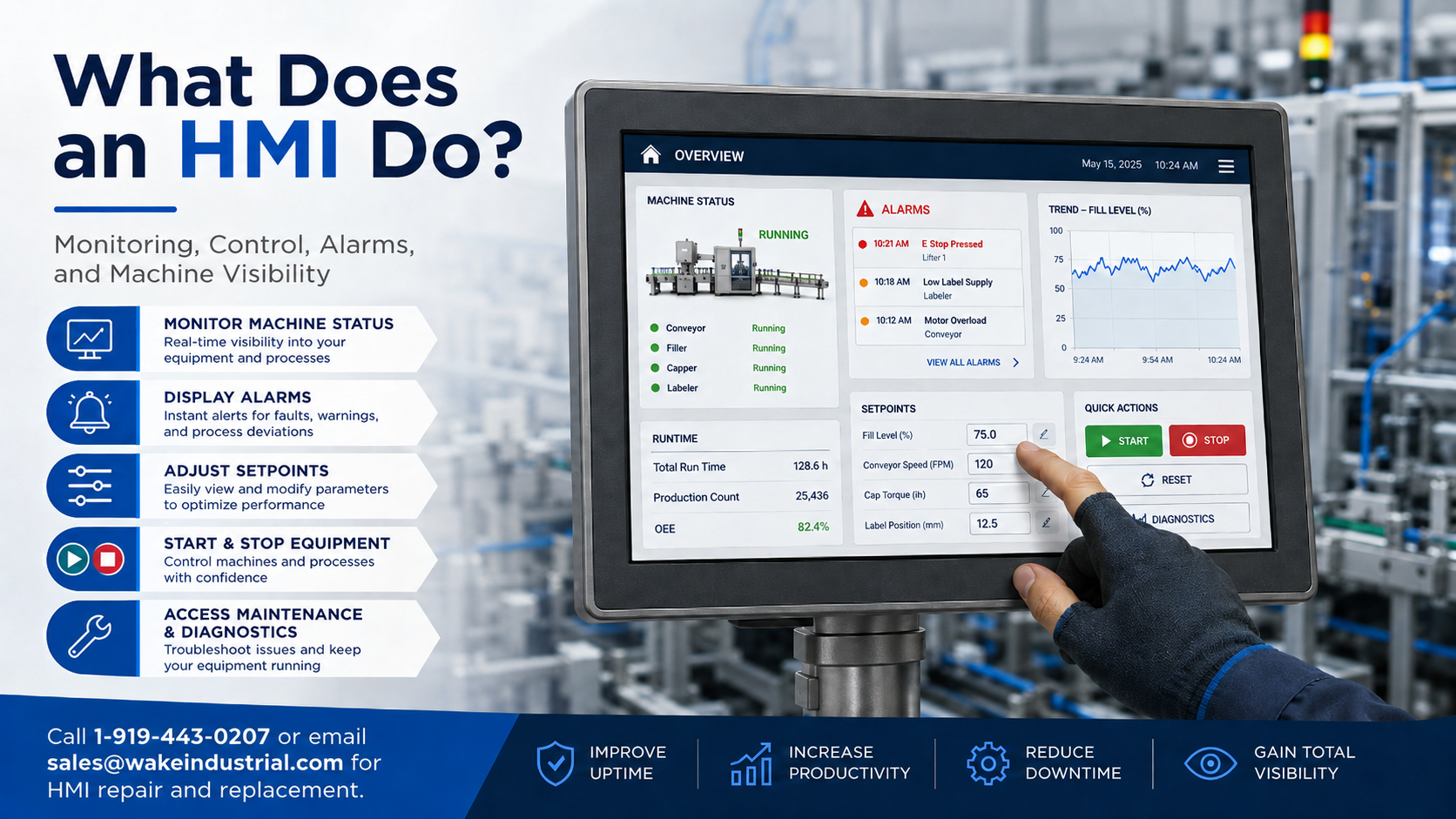
An HMI gives operators a practical way to control and monitor a machine. Instead of relying only on hardwired buttons and indicator lights, an HMI can show the current machine state, display alarms, provide setpoint fields, track production values, and guide operators through common actions.
In industrial automation, an HMI may be used to start and stop equipment, select operating modes, acknowledge faults, view drive or PLC data, monitor temperatures, adjust speed commands, or access maintenance screens. This makes the HMI one of the most important points of contact between the control system and the people responsible for running the equipment.
A strong HMI setup reduces confusion on the plant floor. Operators can react faster when information is clear, organized, and available at the screen. Maintenance teams also benefit because alarms and diagnostics can help narrow down the source of machine problems before downtime spreads across the line.
How HMIs Have Changed Industrial Automation
Early machine interfaces were simple but limited. A green light might tell an operator the system was running, while a red light might show a fault. As machines became more complex, panels grew larger and included more pushbuttons, meters, lights, and labels. Eventually, control panels became difficult to read quickly, especially on machines with multiple stations, axes, recipes, or process zones.
Computer-based HMIs changed that by allowing more information to be displayed in a structured format. Instead of filling a cabinet door with every possible indicator, an HMI can organize information into screens. One screen might show production status, another might show alarms, another might show servo drive data, and another might allow recipe changes.
Modern HMI hardware can range from compact operator panels to industrial panel PCs and touchscreen terminals. Some systems are built around standalone HMI panels, while others use PC-based visualization platforms, thin clients, remote terminals, or integrated control hardware. The right choice depends on the machine, the PLC platform, the environment, and the amount of information operators need to see.
Industrial HMI Examples
Wake Industrial supports HMI and operator interface hardware from Bosch Rexroth, Beckhoff, B&R Automation, Kollmorgen, and other industrial automation manufacturers. These examples show how broad the HMI category can be, from compact local operator panels to larger touchscreen terminals and industrial panel PCs. When replacing any HMI, matching the full part number is important because display size, firmware, communication interface, mounting style, memory, touchscreen type, and software compatibility can vary between models.
HMI Example | Manufacturer | HMI Type | What it is |
Bosch Rexroth Indramat | VEP operator panel | PC-based HMI device with an 8.4-inch TFT touchscreen used for industrial control, monitoring, and machine visualization | |
Bosch Rexroth Indramat | VDP IndraControl panel | 21.5-inch widescreen operator terminal with multitouch display for machine visualization and operator interaction | |
Bosch Rexroth Indramat | BTV machine operator panel | Multi-touch operator panel designed for intuitive machine control, setup, and monitoring | |
Beckhoff | CP panel PC system | Industrial panel PC option used for machine visualization, operator control, and automation communication | |
B&R Automation | 4PW compact HMI panel | Compact operator panel for B&R automation systems, useful for local machine control, operator input, and equipment status display | |
Kollmorgen | AKI operator panel | Touch operator panel for monitoring and controlling automated systems with real-time data interaction |
If your plant is replacing a failed HMI, operator terminal, panel PC, or touchscreen interface, Wake Industrial can help. Call 1-919-443-0207, email sales@wakeindustrial.com, or submit a quote request through the form on the page and receive a quote within 15 minutes during business hours.
Future-Proofing Industrial Operator Interfaces
Modern HMIs are becoming more connected, more visual, and more important to daily production. Operators now expect clear alarm screens, real-time data, intuitive navigation, and fast access to the machine information they need. As experienced workers retire and automation systems become more advanced, a well-designed HMI can help reduce training time and make complex equipment easier to operate.
Future HMI systems will continue to expand through remote access, analytics, augmented reality, mobile viewing, and connected plant-floor data. Even so, many facilities still rely on legacy operator panels that must be kept running to support existing production equipment. When those panels fail, finding the right replacement quickly becomes a priority.
If you need a Bosch Rexroth HMI, Beckhoff CP panel PC, B&R 4PW compact panel, Kollmorgen AKI operator panel, IndraControl panel, VEP panel, VDP screen panel, BTV machine operator panel, or another industrial HMI replacement, Wake Industrial can help with replacement, repair, and surplus sourcing. Call 1-919-443-0207, email sales@wakeindustrial.com, or submit a quote request through the Wake Industrial website.
Request a Quote

Cary, NC 27513